How to swap tokens on NEAR with Intear DEX
Intear DEX swaps any NEAR token at the best price it can find. It's an exchange and an aggregator in one: for every swap it checks routes across NEAR DEXs and picks the one that gives you the most tokens. This guide walks through a swap from start to finish.
What you need
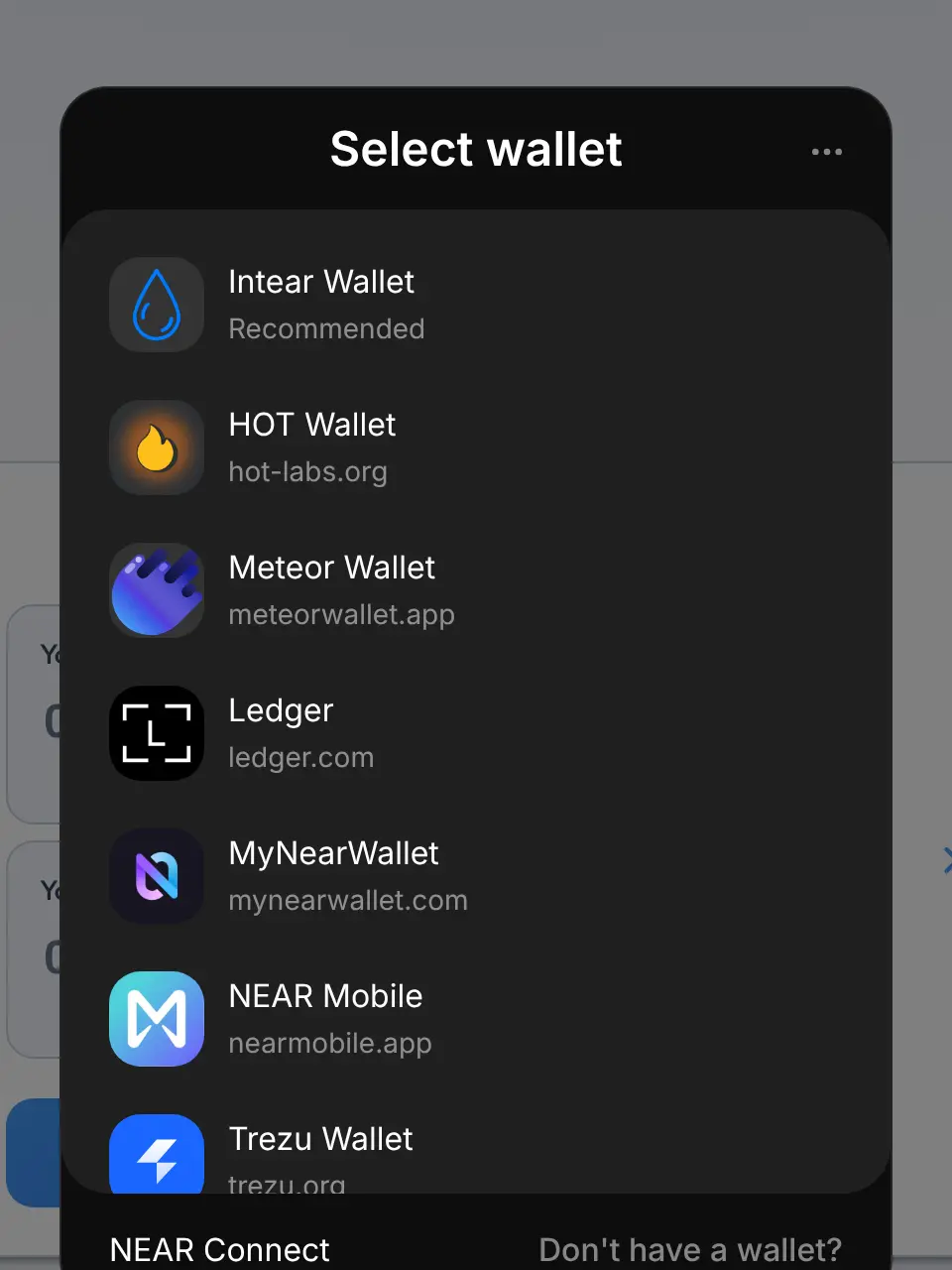
- A NEAR wallet. Intear DEX works with Intear Wallet, HOT, Meteor, MyNearWallet, NEAR Mobile, Nightly, Ledger, NEAR CLI, and Trezu.
- Some NEAR in that wallet, both for the swap and for the small gas fee every NEAR transaction costs.
1. Open Intear DEX and connect your wallet
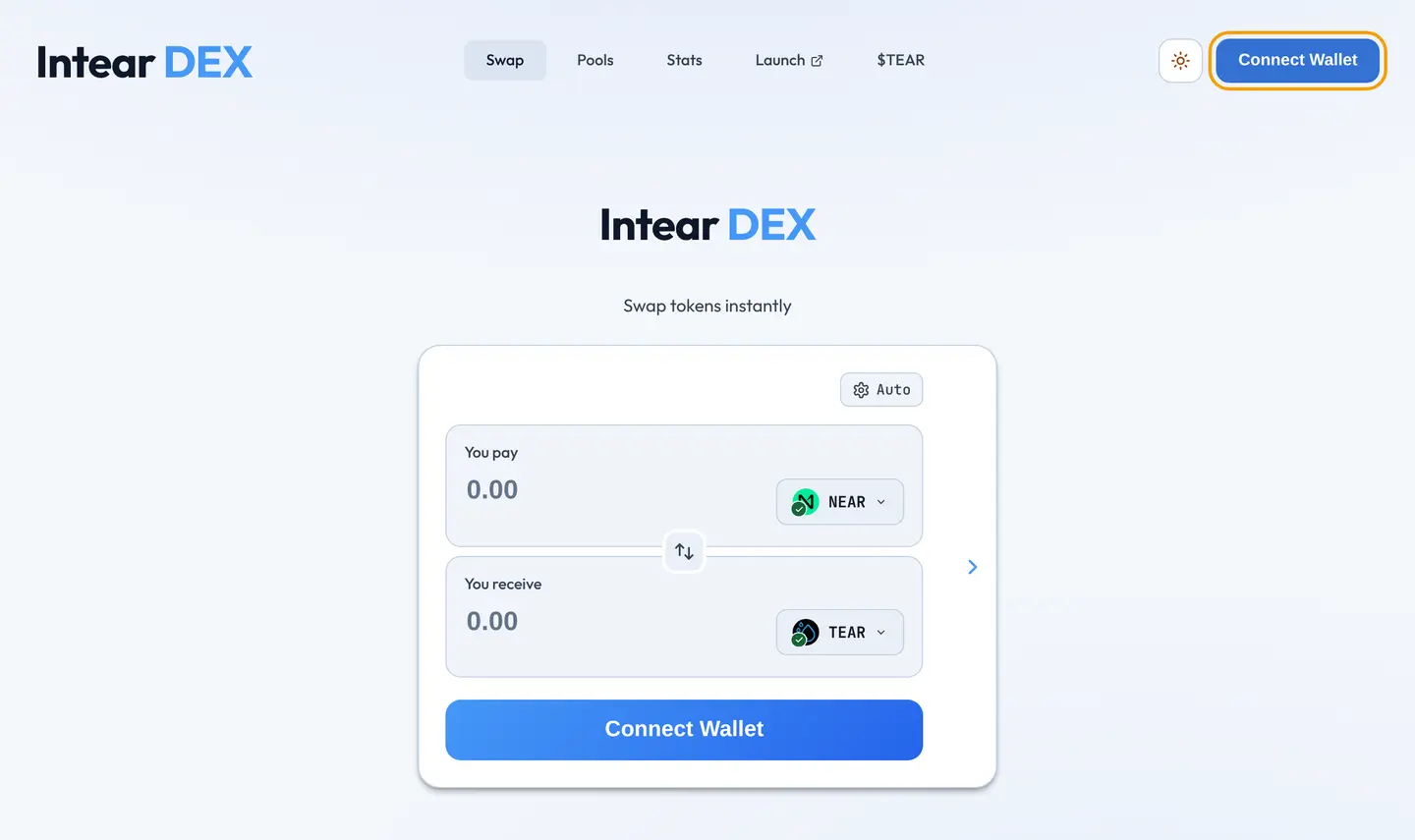
Go to dex.intea.rs and press Connect Wallet in the top right. Pick your wallet from the list and approve the connection. There's no sign-up: your wallet is your account.
2. Pick the tokens
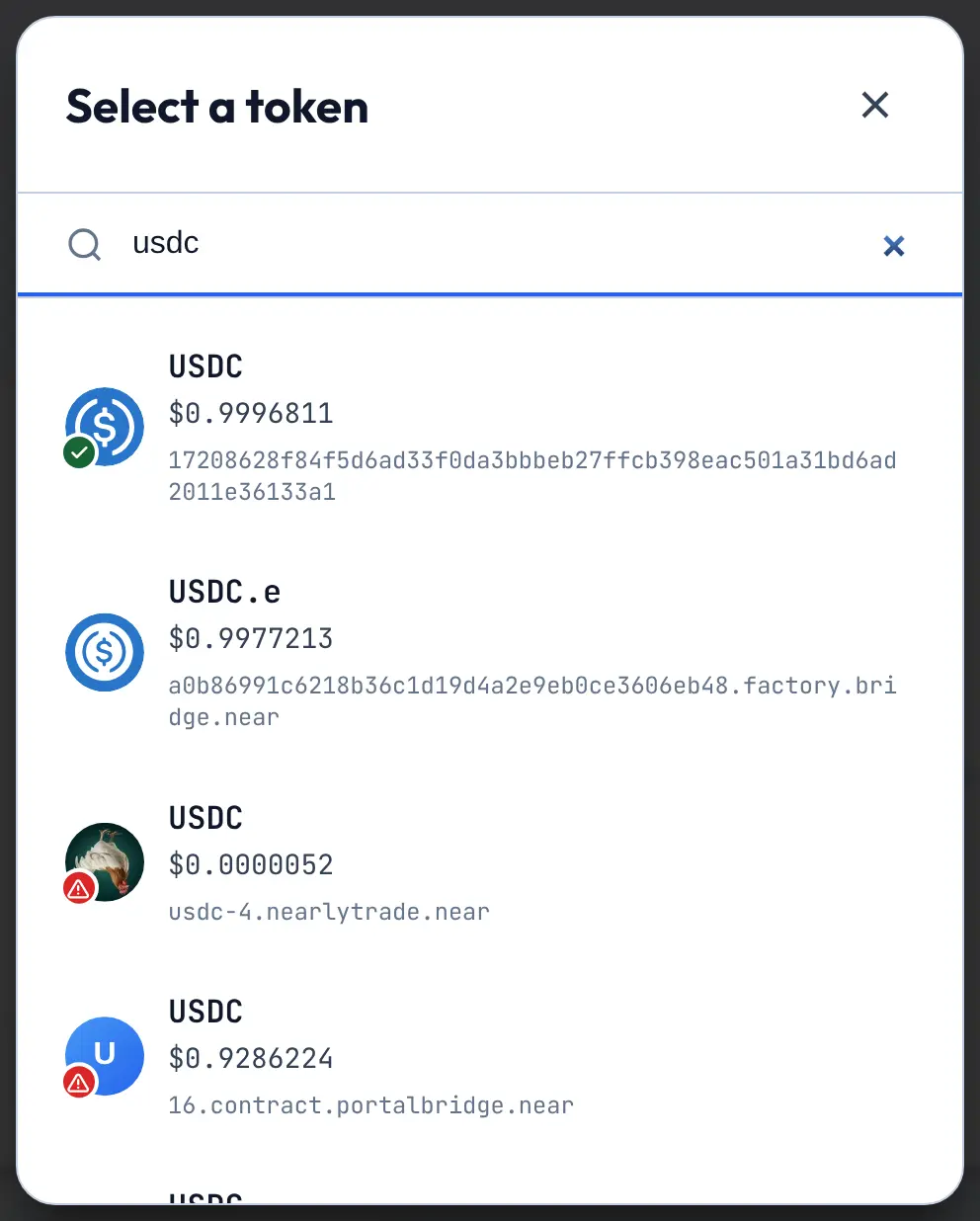
The swap form has two fields: You pay and You receive. Press the token button in each one to open the token list, then search by ticker or contract address.
Before you swap into a token you don't know, check its contract address. Anyone can create a token with a familiar symbol, so Intear DEX marks tokens whose symbol imitates a well-known one with a warning badge.
3. Enter an amount
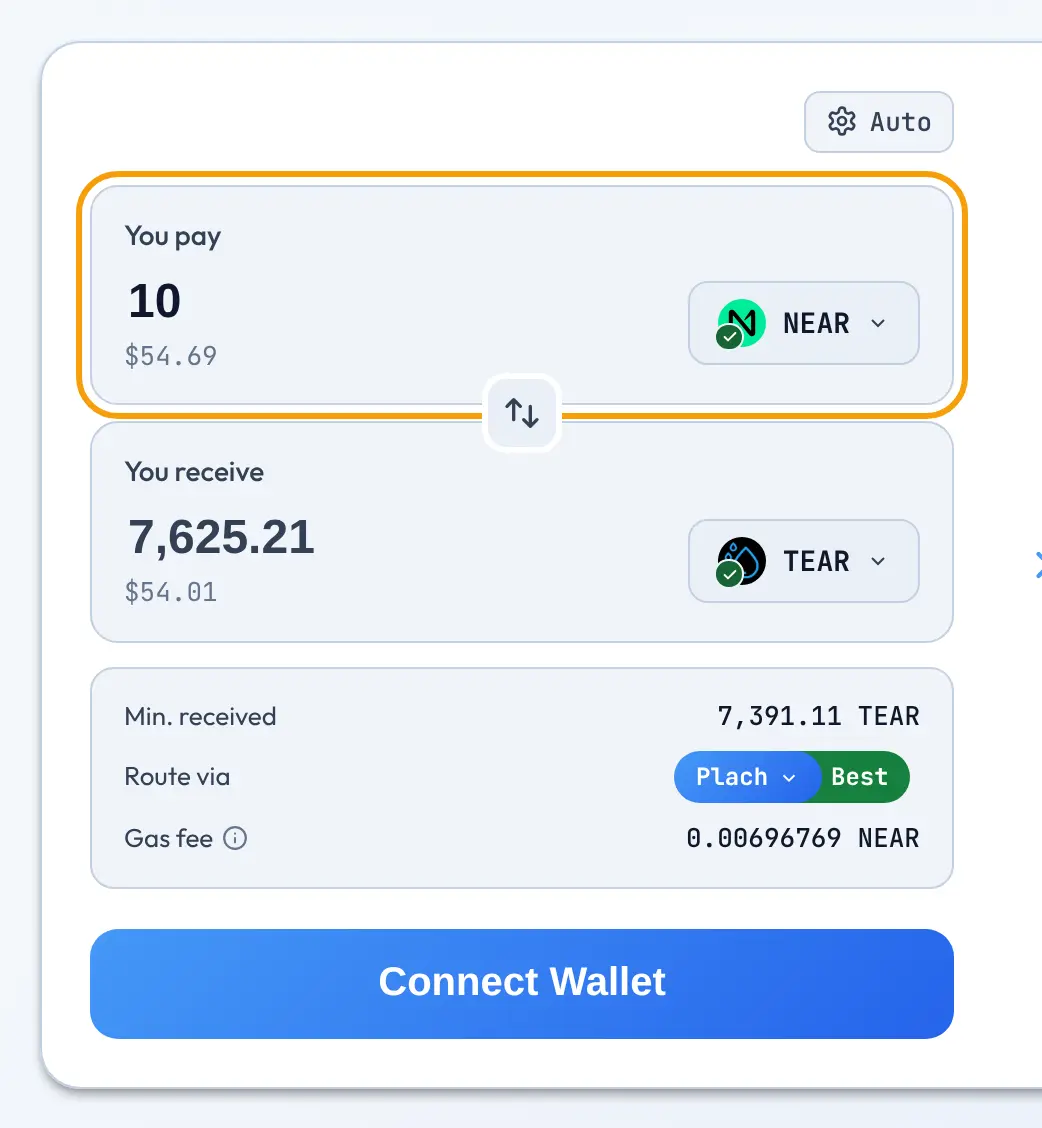
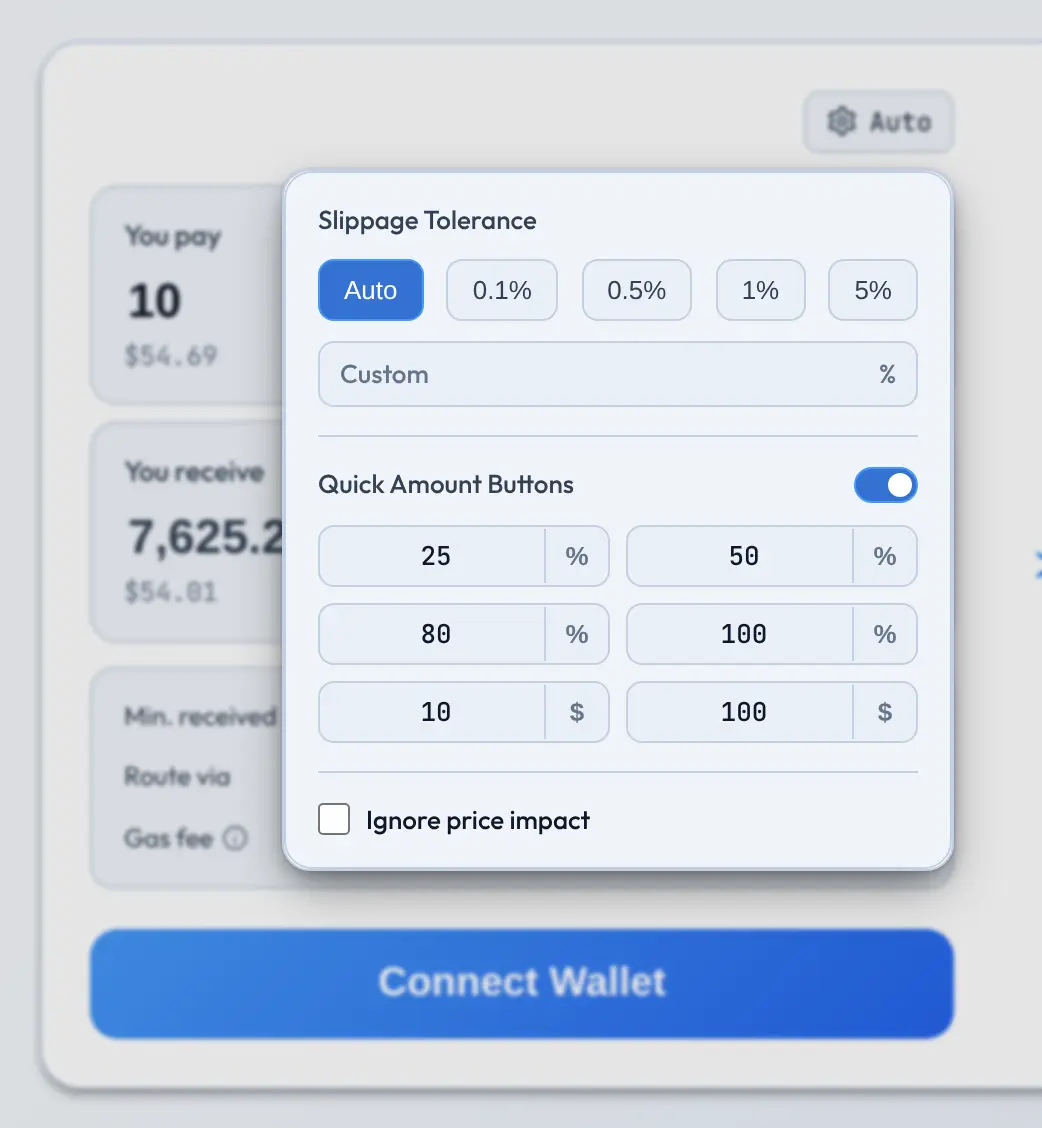
Type how much you want to pay. The DEX looks for routes as you type and fills in how much you'll receive. You can also use Quick Amount Buttons in the top-left corner to quickly fill a percentage of your balance or an amount in dollars.
4. Check slippage
Prices can move between the moment you press Swap and the moment your transaction lands. Slippage Tolerance in the swap settings is how far they're allowed to move before the swap is cancelled instead of filled at a worse price.
Leave it on Auto unless you have a reason not to. For actively traded tokens with low liquidity (like memecoins), a higher value may be needed for the swap to go through; just keep in mind that it also lets you receive less if price changes while you're confirming the transaction.
Below the form, Min. received shows the least you'll get with your current slippage setting.
5. Check the route
Route via shows which exchange the swap goes through, and Best means it's the best route the aggregator found. Press it to compare the other routes and pick one yourself; the DEX then shows how much worse it is than the best one.
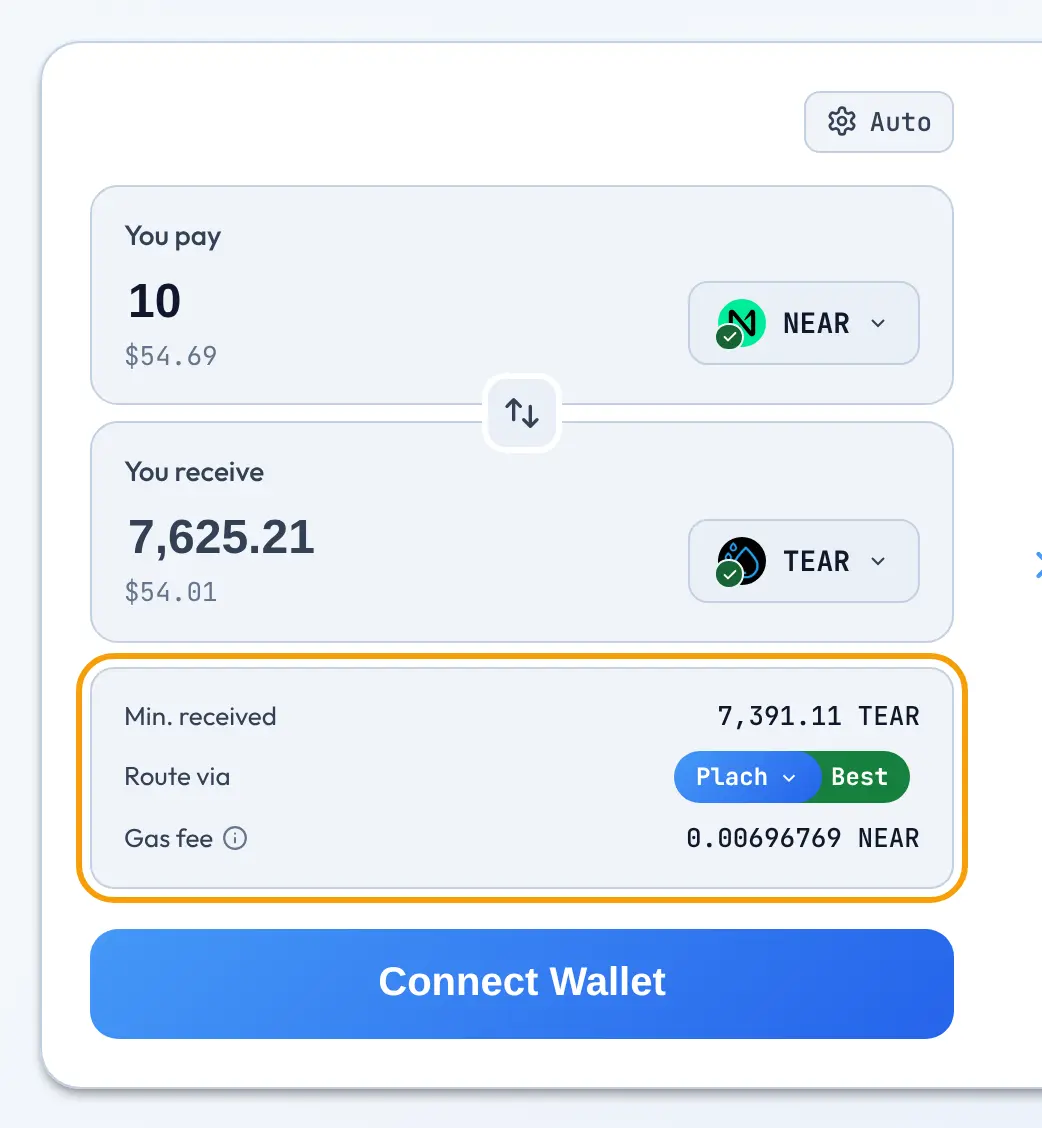
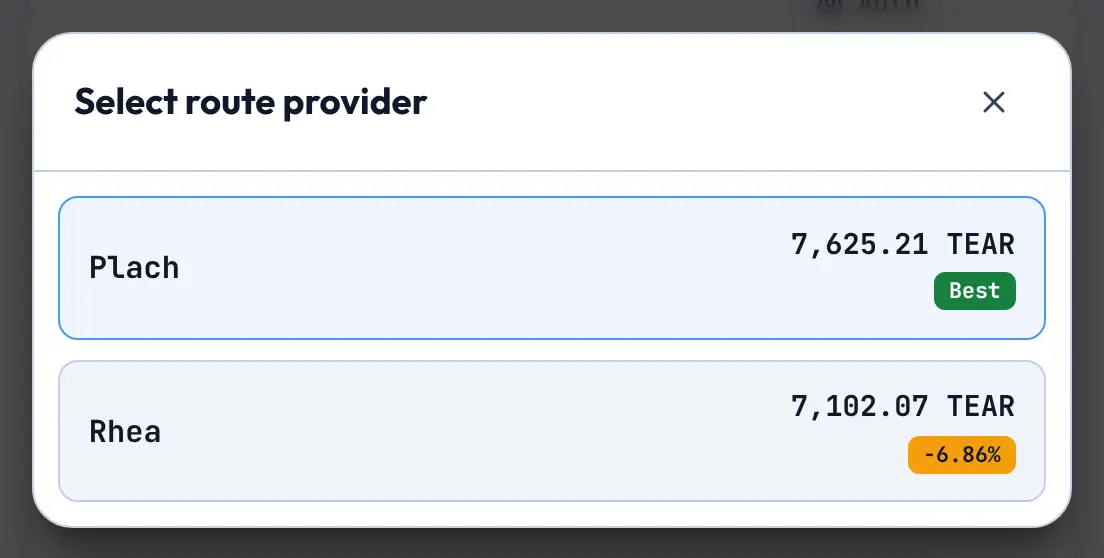
The form also shows the Gas fee for the swap, and warns you if the swap would move the token's price a lot. That usually means there's little liquidity for the amount you're swapping, so try a smaller amount.
6. Swap
Press Swap and confirm the transaction in your wallet. NEAR finalizes transactions in about 1.2 seconds, and the new balance and swap details instantly show up in the swap form and in your wallet.
Next steps
- Earn trading fees by adding liquidity to a pool.
- Watch live prices on Intear Charts, or trade from the chart on the terminal.
- Prefer to trade from Telegram? Bettear Bot does it in a couple of taps.